AI video generation is evolving faster than any other creative technology in recent years. From simple animated clips to cinematic short videos, AI models are reshaping how visual content is created. Yet, among the growing number of tools available today, only a few truly redefine what is possible. Kling 3.0 is one of those models.
If you are searching for a clear, practical explanation of Kling 3.0—what it is, how it works, and how creators and businesses can actually use it—this guide is designed to give you a complete, real-world overview. You can also explore hands-on Kling 3.0 workflows and examples directly on Kling3.
What Is Kling 3.0?
Kling 3.0 is an advanced AI video generation model built to create high-quality video content from text prompts or static images. It represents the third major generation in the Kling AI model family, with a strong focus on visual realism, motion consistency, and usability for creators.
Unlike earlier AI video tools that often struggled with flickering frames, unstable motion, or unclear subject boundaries, Kling 3.0 prioritizes:
Smooth and coherent motion across frames
Strong subject and scene consistency
Cinematic-grade visual quality suitable for real production use
Because of these improvements, many creators and teams now rely on platforms such as Kling3AI to experiment with Kling 3.0 and generate AI-powered videos without traditional filming, cameras, or complex editing pipelines.
How Kling 3.0 Works
Kling 3.0 is built on a modern generative video architecture that combines diffusion-based generation with advanced temporal understanding. This allows the model to reason not only about what a scene looks like, but also how it should evolve over time.
In simple terms, the workflow looks like this:
You provide a text prompt or a reference image
The model analyzes scene composition, lighting, motion, and visual style
Kling 3.0 generates a sequence of frames that remain visually consistent
These frames are rendered into a short video clip
This approach allows creators to move from an idea to a finished video in minutes using tools available through Kling 3.0, rather than days or weeks of traditional production work.
Core Capabilities of Kling 3.0
Text-to-Video Generation
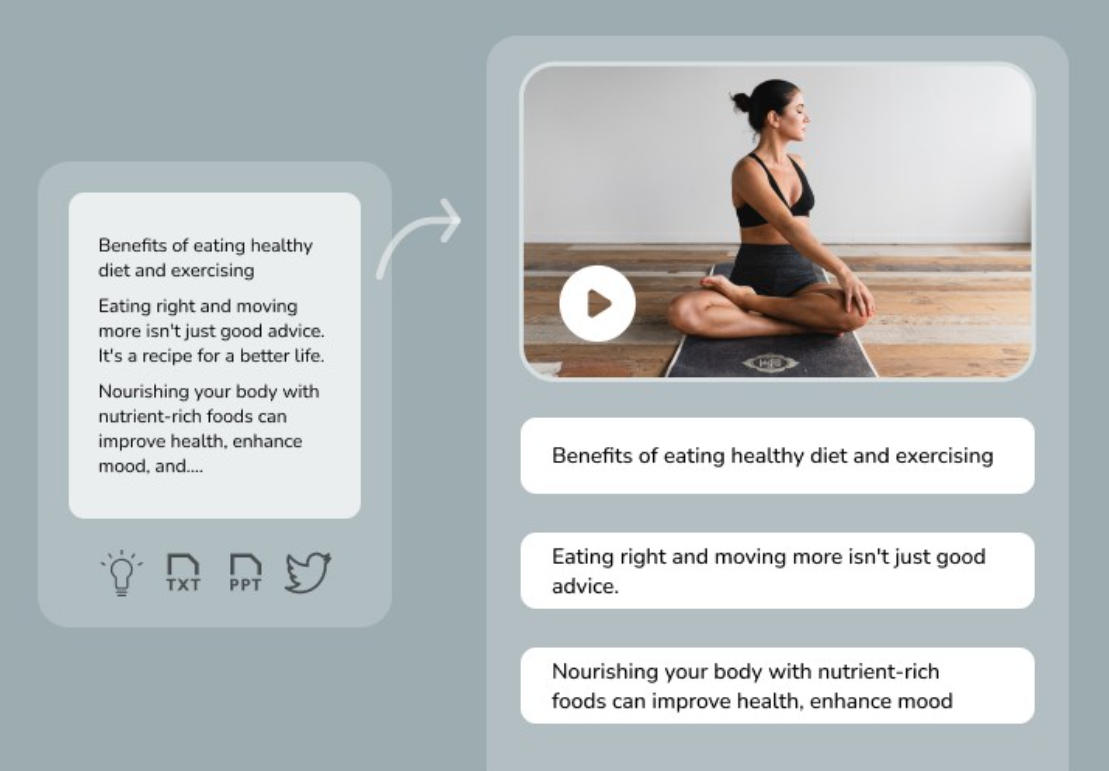
Text-to-video is one of the most powerful and flexible features of Kling 3.0. It allows you to describe a scene in natural language and generate a video entirely from scratch.
Example prompts include:
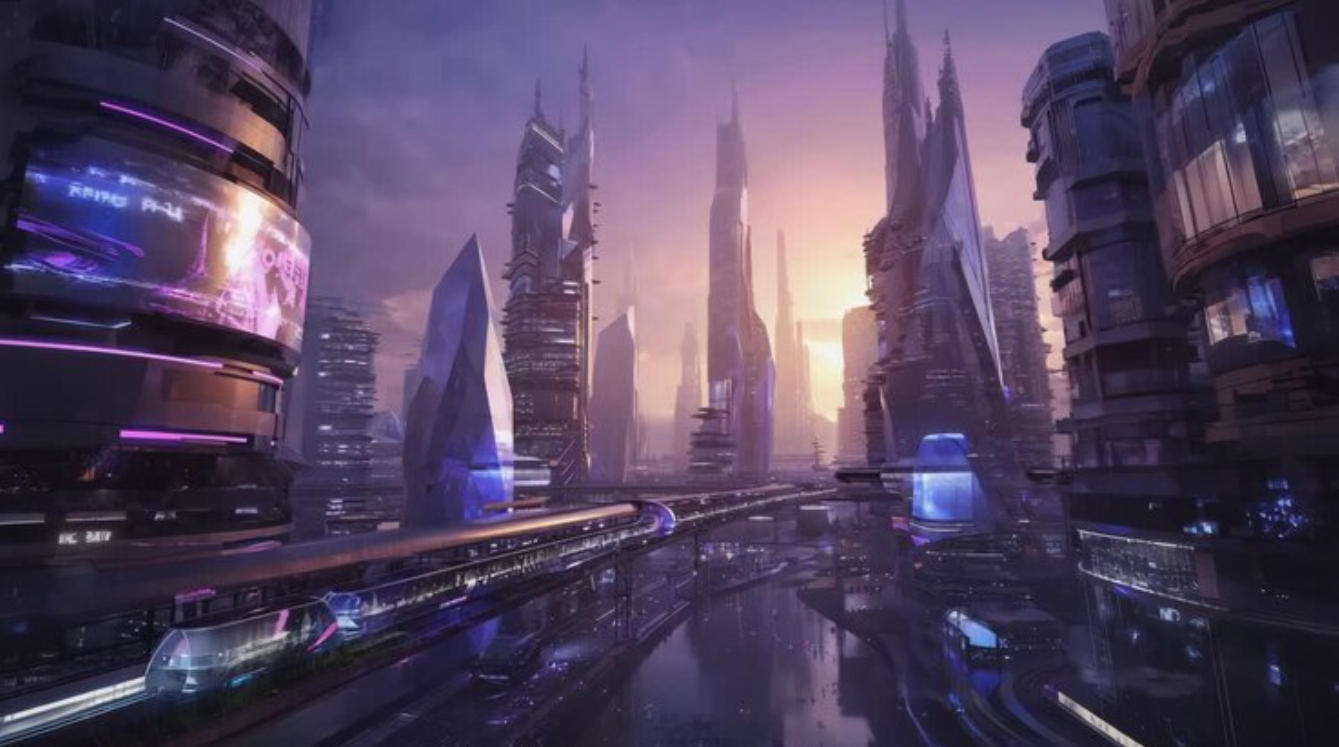
“A cinematic drone shot of a futuristic city at sunset”
“A minimalist product showcase with soft lighting and slow camera movement”
These prompts are interpreted by Kling 3.0 to determine camera motion, lighting style, scene depth, and visual tone.
Text-to-video is ideal for:
Concept visualization
Marketing creatives
Social media video content
Early-stage storyboarding
Creators often use this capability on Kling 3.0 to quickly test ideas before committing to full campaigns or production pipelines.
Image-to-Video Animation
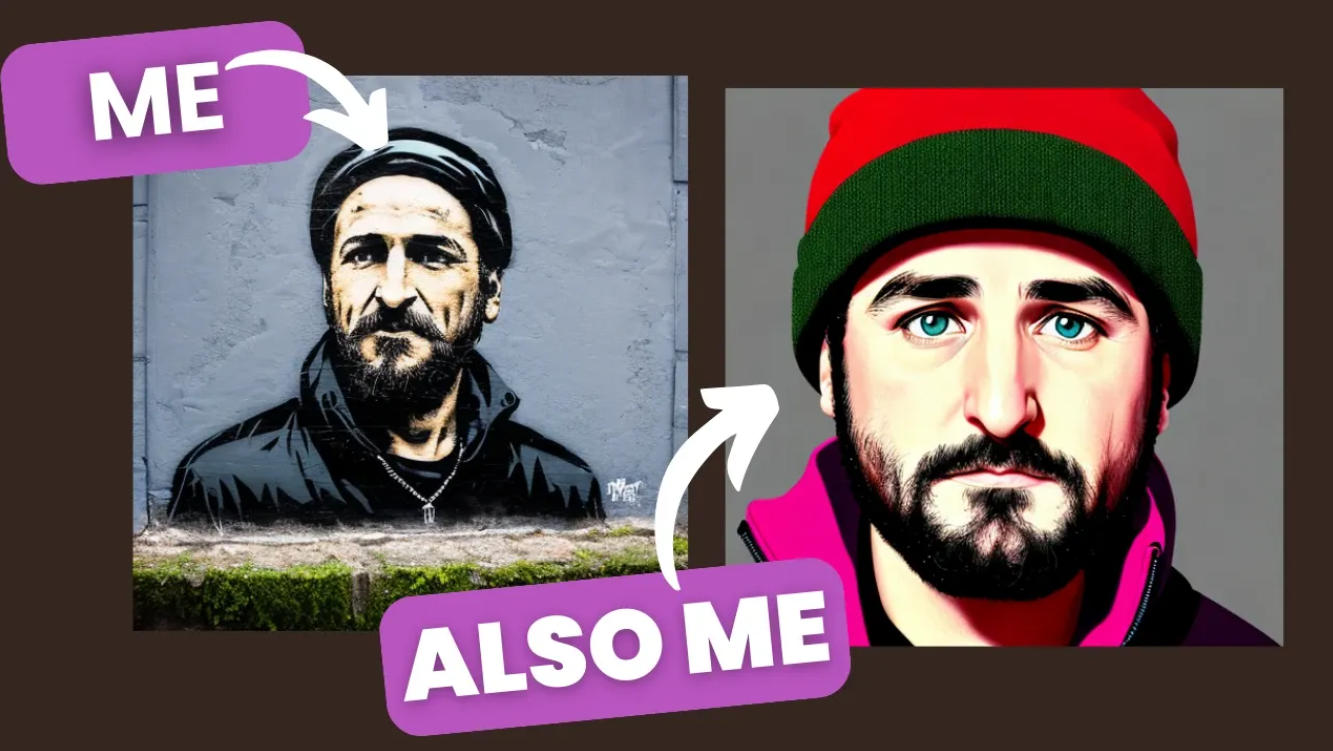
Image-to-video is one of Kling 3.0’s most practical and commercially valuable strengths. Instead of starting from text alone, users can upload an image and animate it into a short video clip.
You can upload:
Product photos
Character portraits
Concept art
Brand visuals
Kling 3.0 preserves the original visual identity of the image while adding realistic motion, depth, and camera movement.

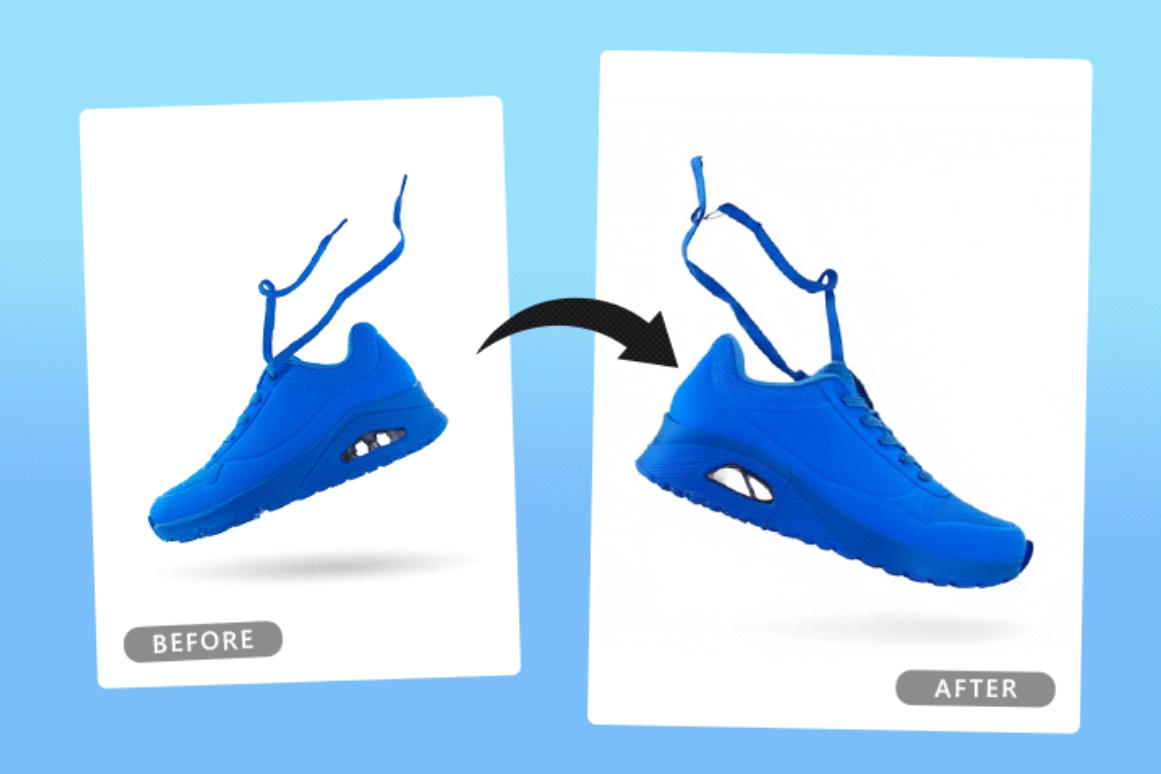
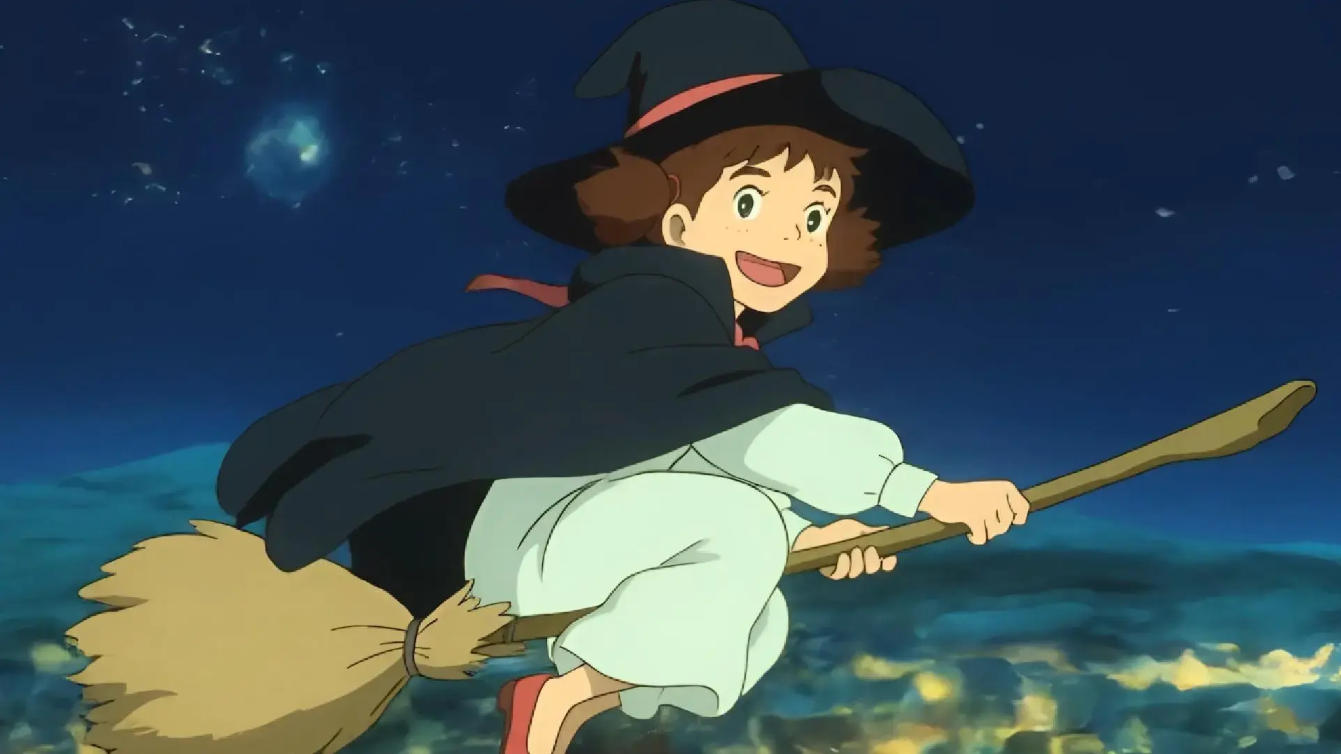
This workflow is widely used by e-commerce brands and creators on Kling3AI to transform static assets into engaging motion content without reshoots or 3D modeling.
What Can You Create with Kling 3.0?
Kling 3.0 supports a wide range of real-world use cases across industries.
Marketing & Advertising
Short-form video ads
Product demo videos
Campaign visuals for social platforms
Marketers can quickly generate multiple creative variations, test performance, and reduce overall production costs.
Content Creation & Social Media
TikTok and Instagram Reels visuals
YouTube Shorts background clips
Aesthetic looping videos
Creators can visually test concepts and formats before investing in full production.
E-commerce Product Videos
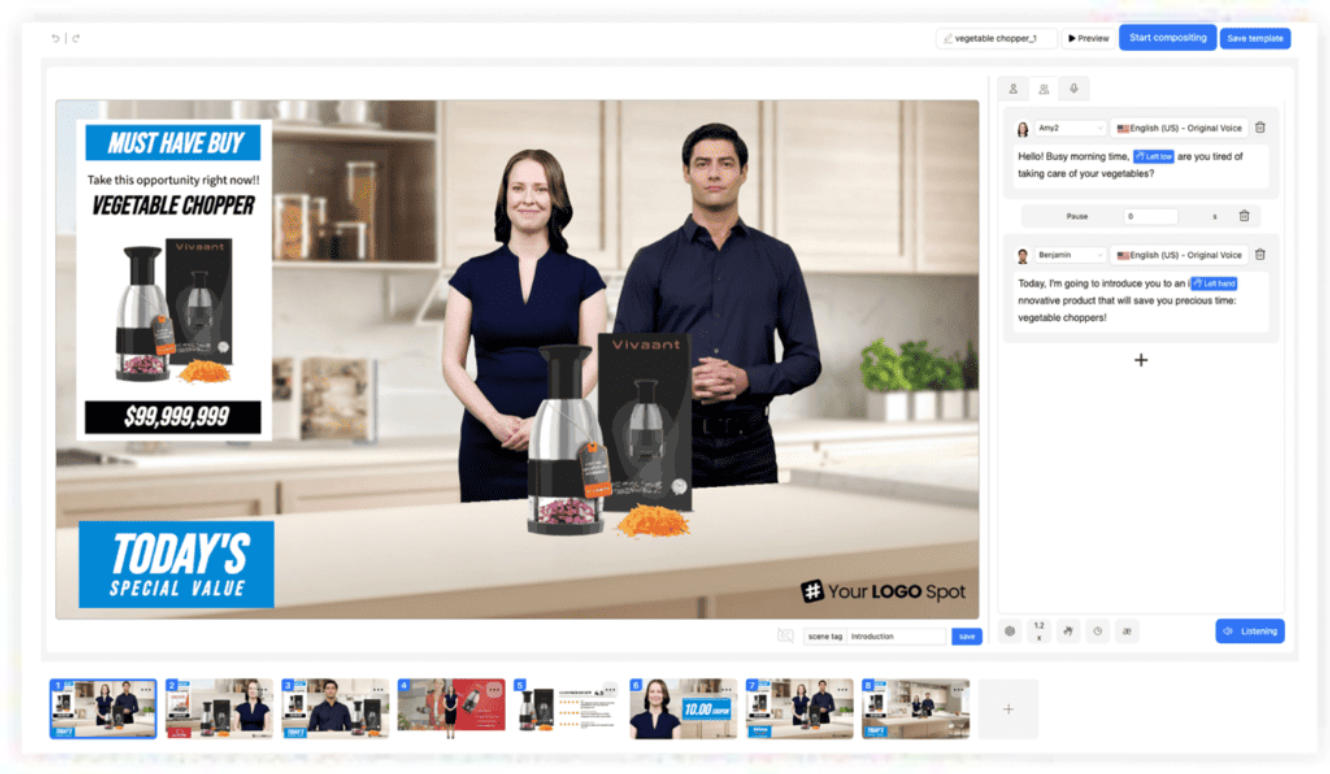
Animate product photos
Create lifestyle-style showcases
Highlight key features using motion
This is especially valuable for DTC brands and online sellers who need high-volume visual content.
Creative & Artistic Projects
Visual storytelling
Mood films
Experimental AI art videos
Kling 3.0 functions not only as a productivity tool, but also as a creative medium.

Kling 3.0 vs Other AI Video Models
Compared with earlier AI video generators, Kling 3.0 offers several clear advantages:
Higher visual fidelity
More stable and natural motion
Better alignment between prompts and outputs
While no AI video model is perfect, Kling 3.0 strikes a strong balance between quality, accessibility, and creative flexibility—especially when used through creator-focused platforms like Kling 3.
Who Should Use Kling 3.0?
Kling 3.0 is well suited for:
Content creators
Digital marketers
E-commerce sellers
Designers and artists
Startup founders
If you need fast, scalable video content without cameras, actors, or complex editing software, Kling 3.0 is a powerful option.
How to Get Started with Kling 3.0
Getting started with Kling 3.0 is straightforward:
Visit Kling3AI
Choose text-to-video or image-to-video
Write clear, descriptive prompts
Generate and refine your video outputs
With practice, results improve significantly as you learn how to guide the model more effectively.
Final Thoughts
Kling 3.0 represents a meaningful step forward in AI video generation. It lowers the barrier to high-quality video creation while opening new creative possibilities for individuals and businesses alike.
If you want to explore Kling 3.0 hands-on, experiment with prompts, and generate real, production-ready videos, Kling is an excellent place to start.